a-text-logo0.png
Sales Opportunity Creation
Click to visit section:

Create Manually
Create Via Campaign Automation
Opportunity Blade
In the simplest form, an opportunity is a qualified lead. The process chosen to qualify the lead is entirely up to business owner and sales team. This said, the basic criteria of an opportunity is commonly as follows:

  • It’s a potential customer that you have already met or contacted 

  • There is an obvious pain point you can solve

  • The customer shows interest in solving that pain point

  • A product or service fit has been confirmed

Note: There are two main ways to create opportunities in arkflux - manually, and via campaign automation. These opportunities go against a contact or a company. 
Create Manually
Create opportunities manually in the arkflux platform against a contact or company profile.
Via the Opportunity page
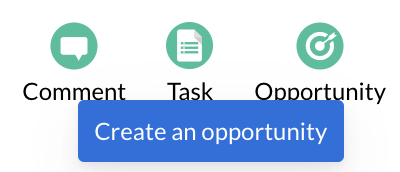
Use the Action Buttons via Sales > Opportunities page to create Opportunities.
Screenshot2022-02-01at11.59.09.png
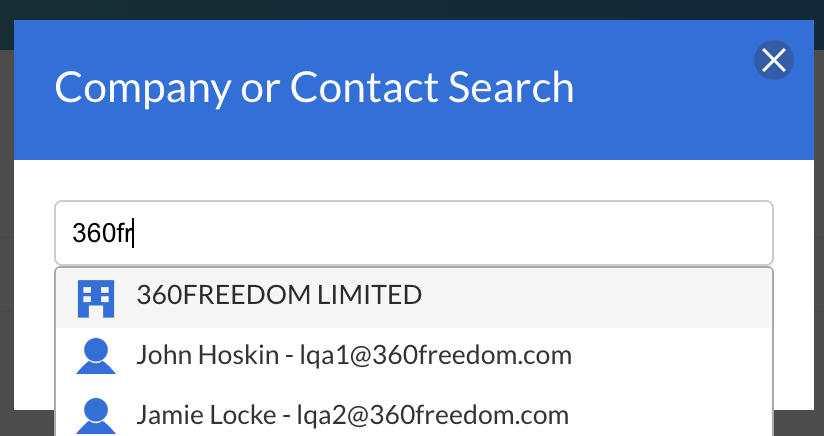
Search by contact or company to create the Opportunities against:
Screenshot2022-02-01at10.45.580.png
Create Opportunities against a contact.

Contacts > Contacts > Click into a contact > Click the opportunity action button.

The opportunity blade will then slide in for the user to populate the details for the individual opportunity.
Opportunities in Company 
Create opportunities against a company. 

Contacts > Companies > Select Company > Click the opportunity action button.

The opportunity blade will then slide in for the user to populate the details for the individual opportunity..
Create Via Campaign Automation
Create opportunities during a marketing campaign automation.

Choose if you are creating your campaign as a one of Marketing Campaign or as a Unified Campaign.

Learn more about Marketing Campaigns.
Learn more about adding comments via the Activities calendar.
Opportunity Blade
Opportunity Tab
Opportunity Reference
The name of the product or service the opportunity relates to.

Primary contact
The primary contact (email) who is overseeing the opportunity. 

Value
The value of the product or service for the opportunity. Determined either by Line Items (Growth Package and above).

Pipeline
The pipeline the opportunity will be created in.

Probability
The gut probability an opportunity will close.

Competitors
Competitive products or services being used by the contact or company relating to the opportunity.

Close Date 
The date the opportunity is move to the Closed Won stage of the pipeline. 
Contacts Tab
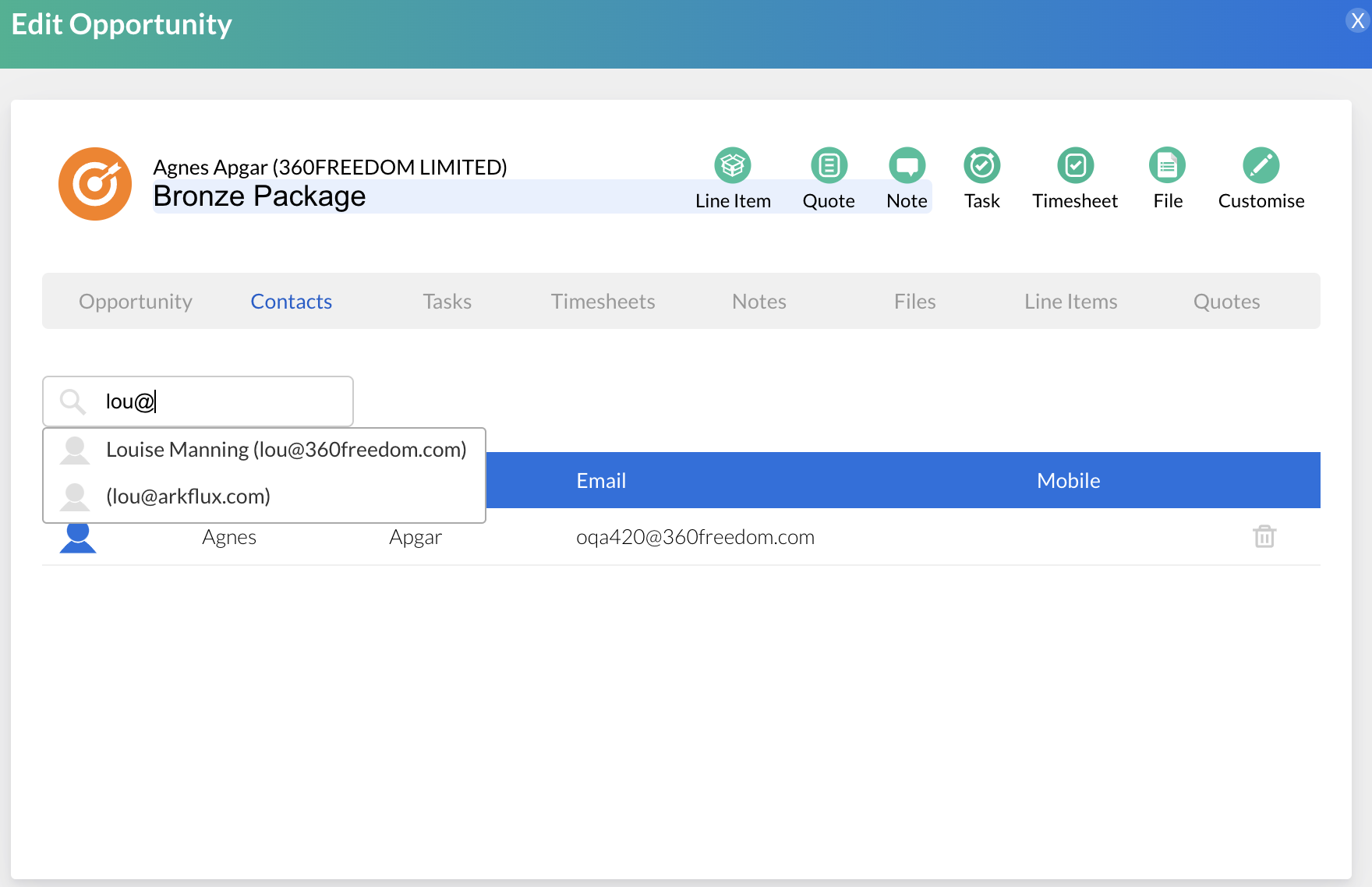
Add contacts associated with the opportunity by clicking on the Contact tab and searching for the contact in the 'Add Contacts' box:
Screenshot2022-02-01at11.47.52.png
Line Item 
Add and manage the line items associated to the opportunity.
Learn more about Line Items.
Quote
Create and send a quote related to the opportunity to the contact.
Learn more about Quotes.
Note
View and manage all comments added to the opportunity.
Task
Create Tasks associated with the opportunity.
Learn more about Task Boards.
Timesheet
Create Timesheet that track the work you do towards the opportunity. Timesheets can be entered manually via the Timesheet action button or you can start the timer via the Start Timer action button.
Learn more about Timesheets.
File
Add files associated to the opportunity e.g. signed proposals or order forms.
Customise
Add bespoke fields to the opportunity blade to reference pertinent data relevant to the opportunity.

Customise > choose field type from dropdown > 
Once an opportunity has been created, you can edit the opportunity via the Sales Opportunity Dashboard or within the contact or company the opportunity has been created against. 

Screenshot2021-08-30at13.48.01.png