Internal
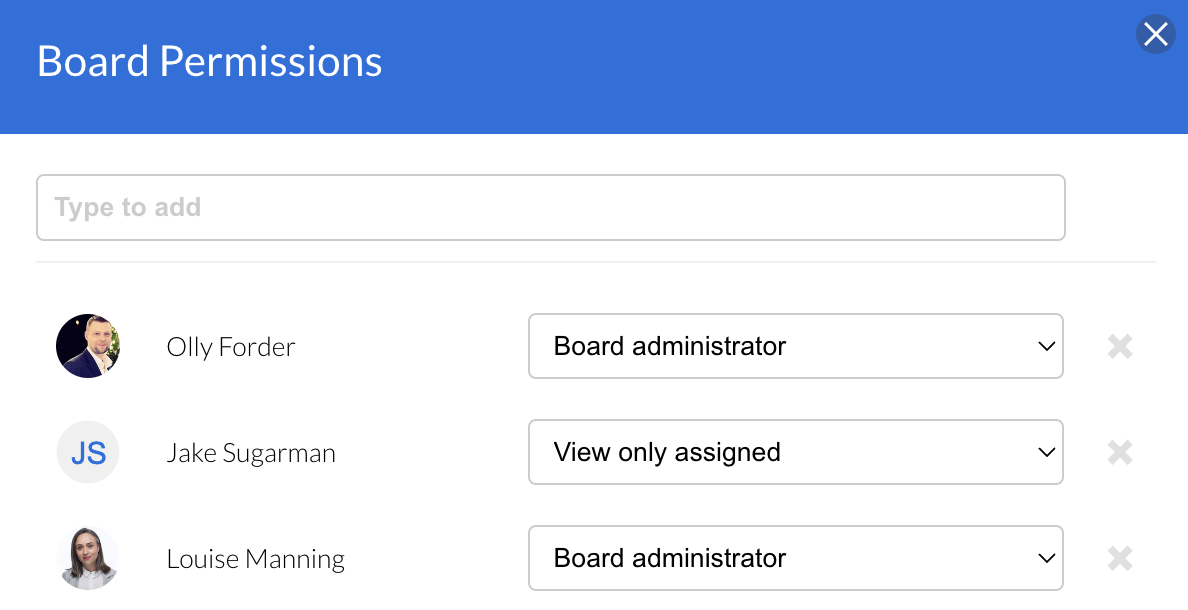
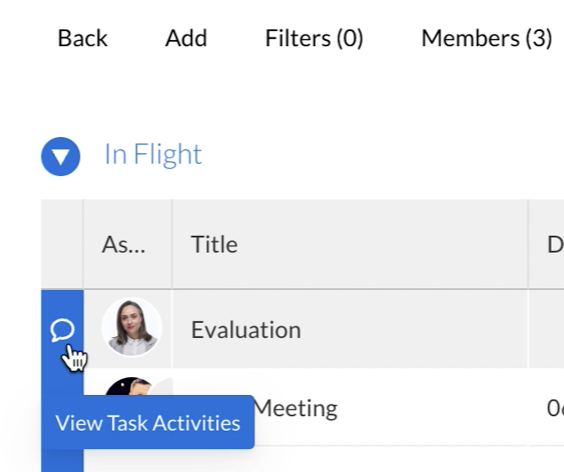
Type to add internal members to the board - the type ahead will show the users in the platform that are available to be added.
External
To create a board where you can invite external contacts, when you first create a board you will need to select the 'Public' board option. Once the board is created you can then invite the external contacts.
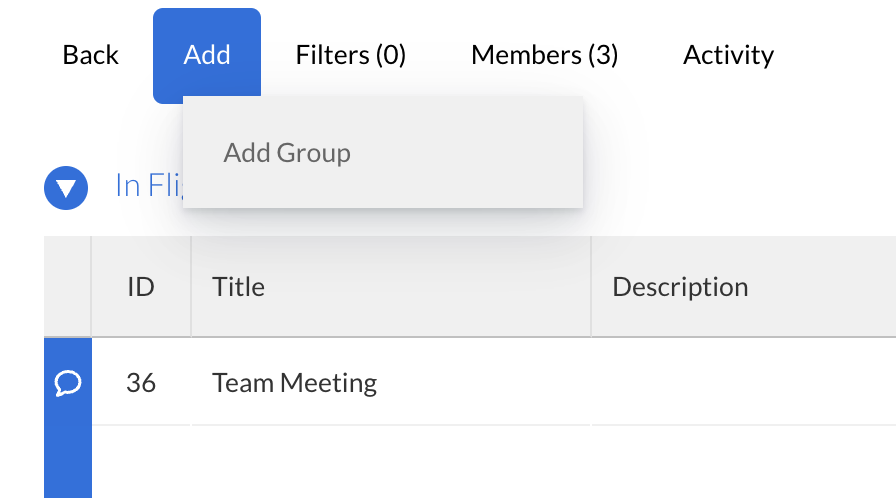
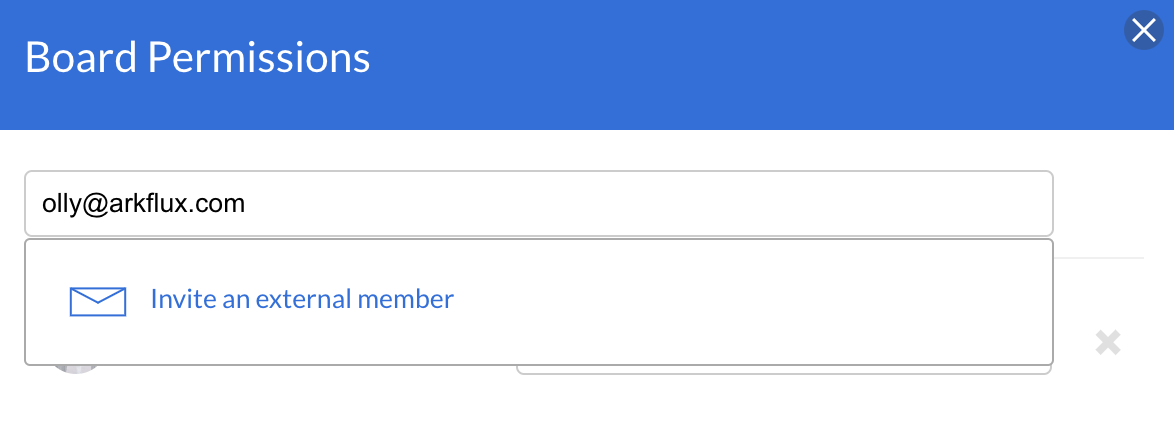
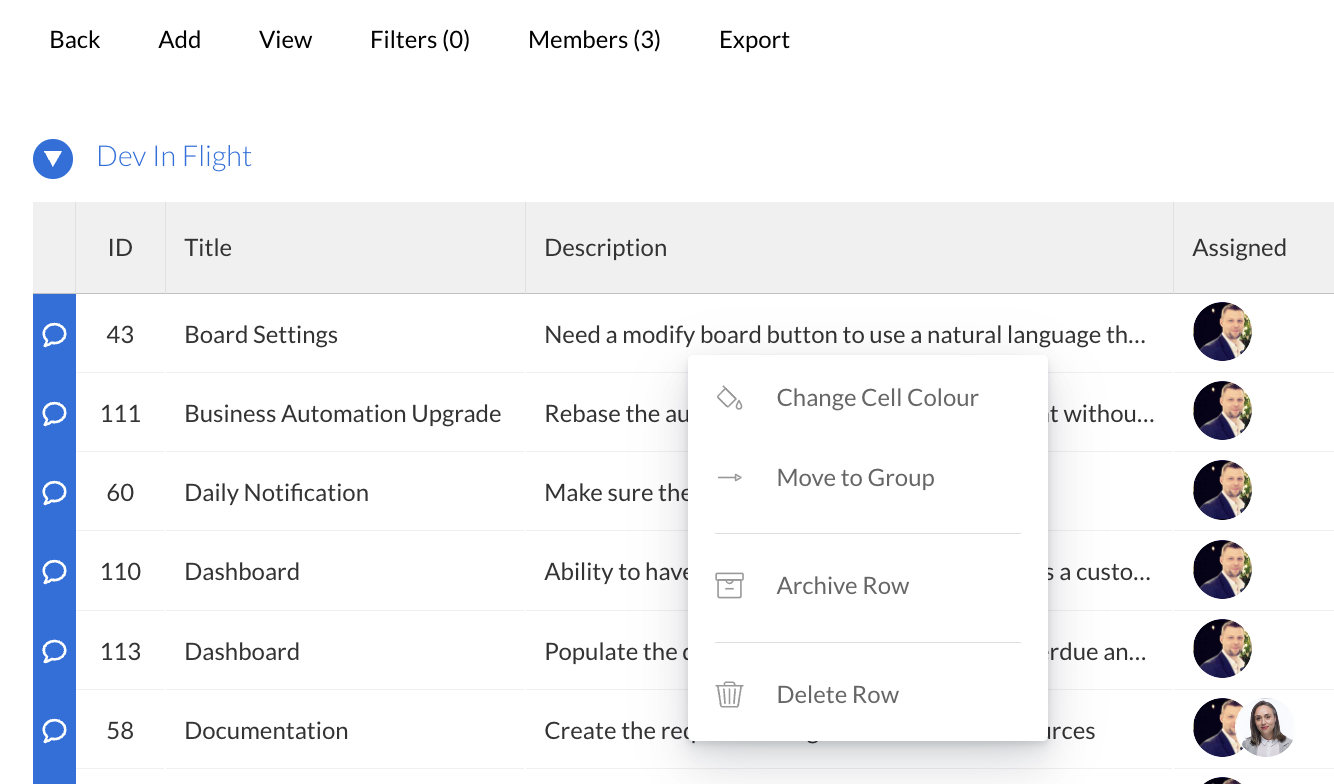
Members > type in the email address > click on Invite an external member.
This will send the invited contact an email with a button to click through to view the board.
|