No matter how the opportunity has been created (manually or automatically) or where the opportunity has been created (against a contact or a company) all opportunities will be stored under Sales > Opportunities for further management.
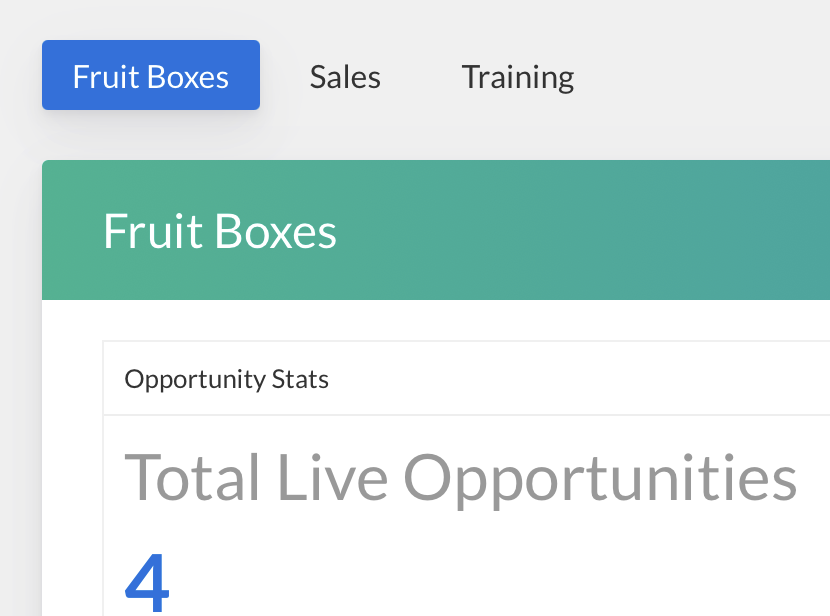
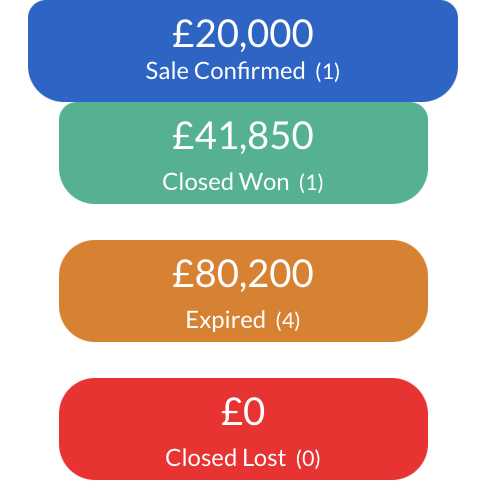
Total Live Opportunities Opportunities created in this pipeline that are in any other stage other that Closed Won or Closed Lost.
Weighted Value The proposed value of all Live opportunities to forecast and measure expected revenue. The calculation is based off the probability percentage that is entered in the field alongside the other opportunity details on the blade.
Total Value The actual value of all Live opportunities calculated from value or line item/s added against the opportunities.
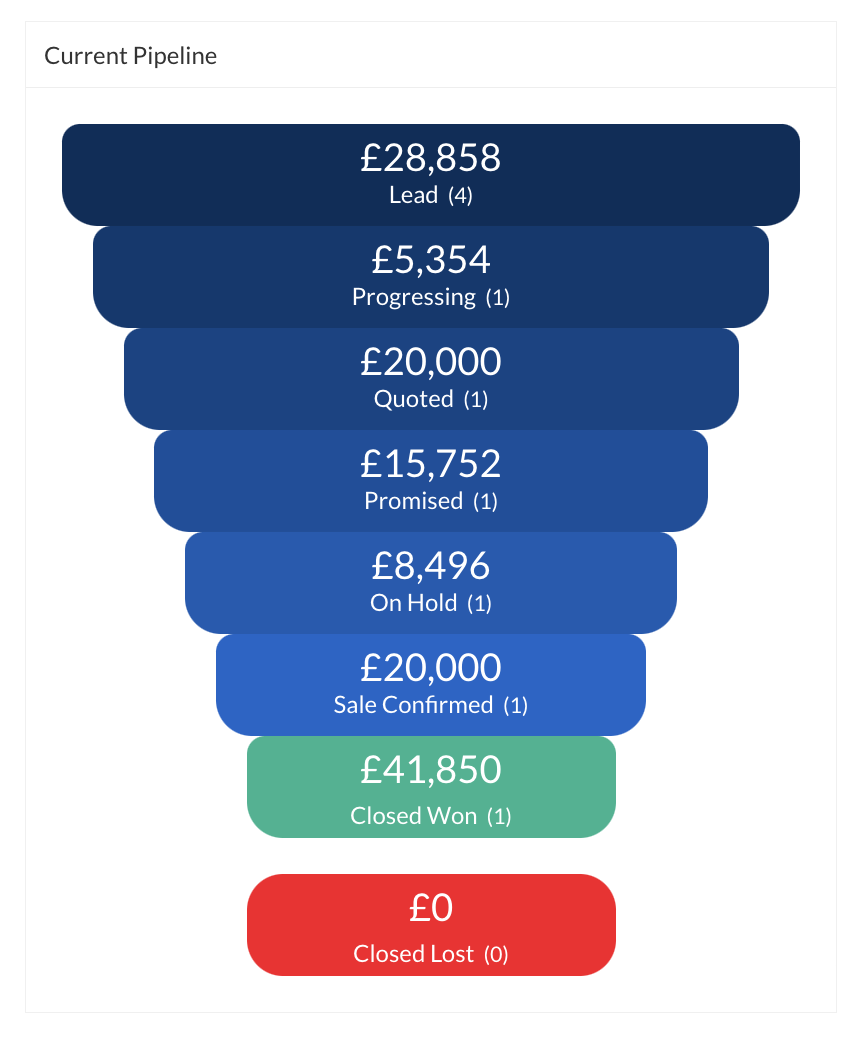
Sales Pipelines visually represent the sales cycle and the stages that deals are at. Multiple pipelines are perfect for businesses with multiple products and services that go through different sales processes with multiple phases.
Note: All CRM customers can create a single pipeline. Customers on Growth package and up can create multiple pipelines.
All opportunities will be listed out at the bottom of the page underneath the pipeline. There are a number of different ways to locate the opportunity when needed.
Search by Assigned, Unassigned and My Opportunities which will show you opportunities only assigned to you as a user.
Search by first name, surname, company, email address or name of opportunity in the search bar.
Search between a specific time period.
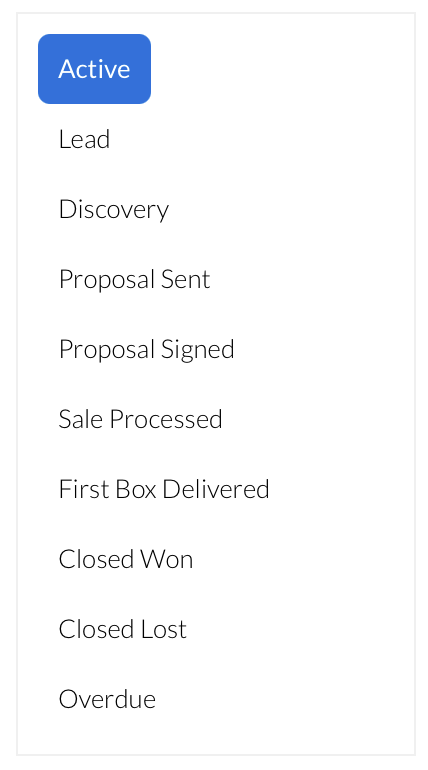
Use the filters on the left hand side to jump between the opportunity stages, or click on the pipeline stage directly.
Use the column headings to filter the opportunity order - in this view, the 'Size' column heading was clicked on to show the largest opportunity value in descending order.
Use the copy button located next to the trash bin to copy a opportunity.
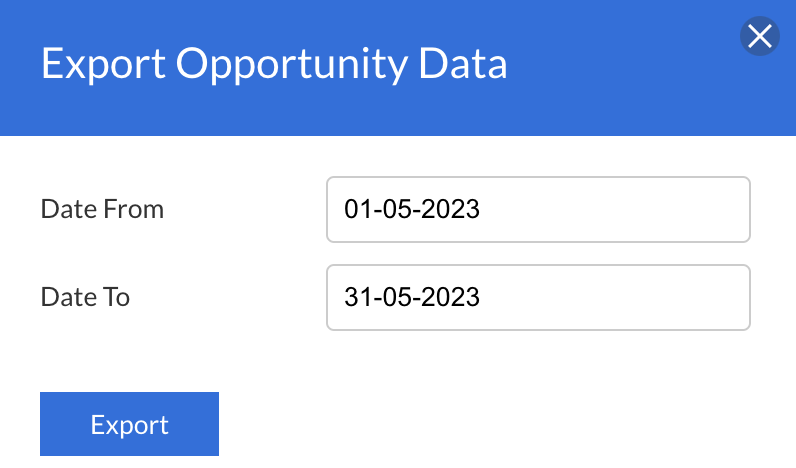
Export opportunity data between date periods and include custom fields via Reports > Opportunities:
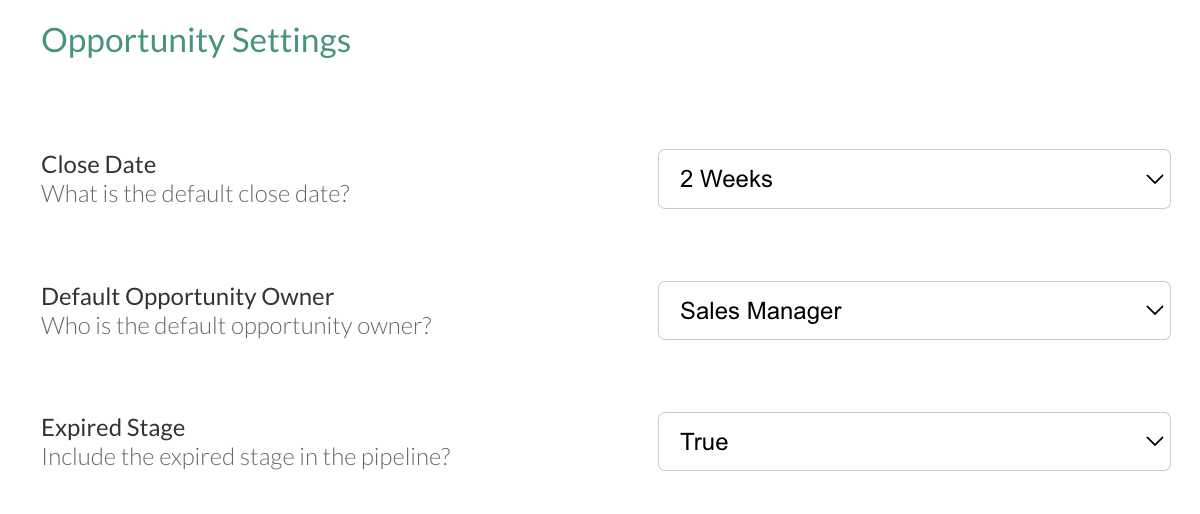
Opportunity Settings
Under Admin > CRM Settings > Opportunity Settings
Set the default close date of opportunity. Set the default opportunity owner. Choose to show Expired Opportunities on the pipeline.
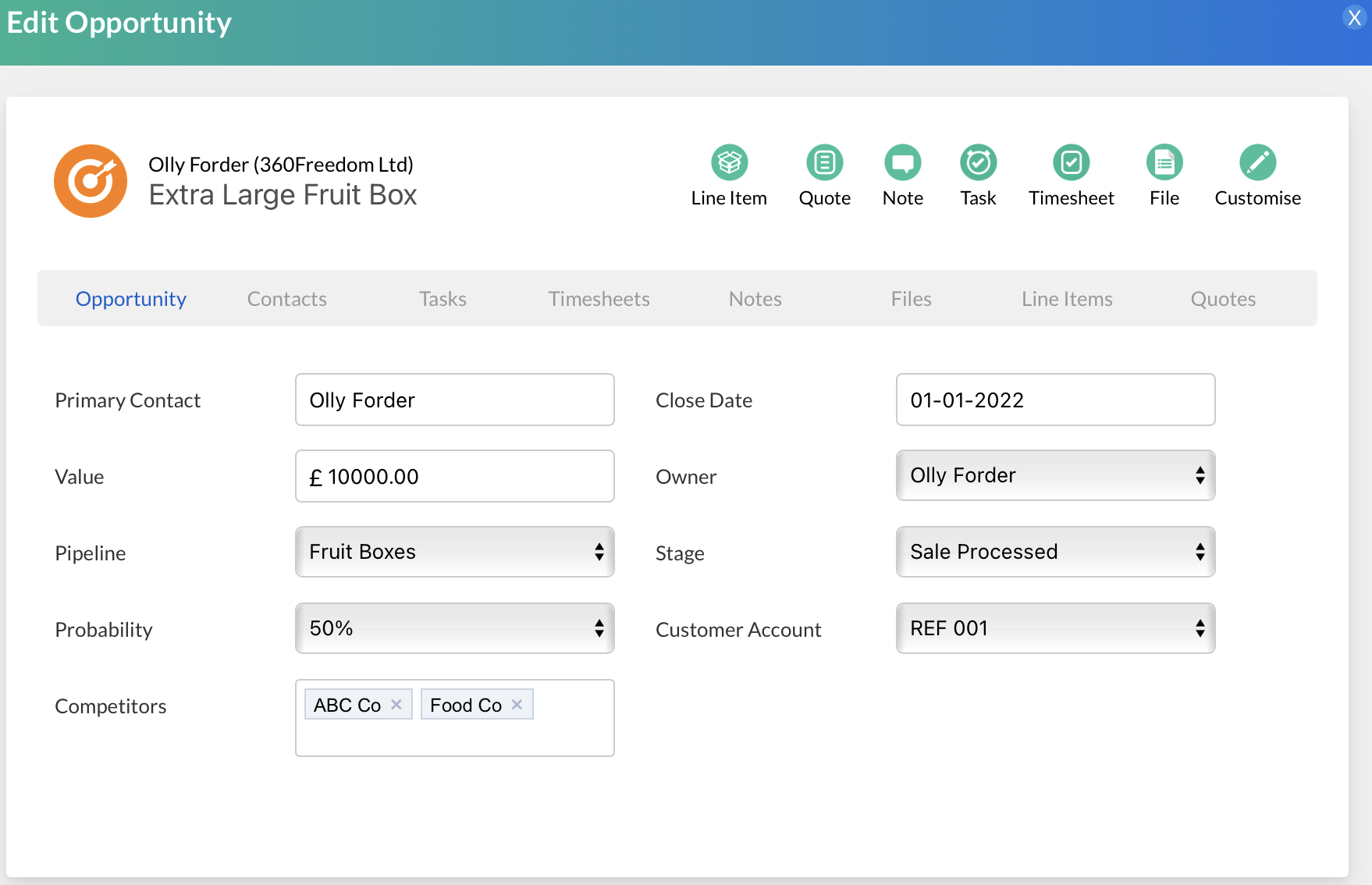
The management of your opportunities can be done once you have located the opportunity and clicked into it.
Add notes, update probabilities and pipeline stages, and create tasks to help keep on top of next steps amongst other features.
Note: Once the opportunity stage has been moved to Closed Won, the opportunity can be unlocked but only if you have the correct permission against your Role.
The permission entitled as below will need to be added to the users role by an appropriate user to allow a opportunity to be unlocked:
The management and organisation of opportunities and subsequent workload doesn't have to end here. Business Automation allows rules to be created that will trigger from the change of an opportunity stage. Once triggered, these rules can automatically create tasks for the internal team, send email campaigns to contacts and update fields on the opportunity blade and contact profile.