Confirmation Email
The confirmation email will be immediately sent to the contact email address upon ticket registration. There are two options on when and where to customise the email.
SpecificThe first is once the event is live, set up a confirmation email specific to that event.
Event Dashboard > Manage > Edit Confirmation Email
GenericThe second is to create a single confirmation email that will apply to all live events. Something to be very mindful if you have multiple events running at once:
Events > Confirmation Email
This email can be edited at any time, even before event creation.
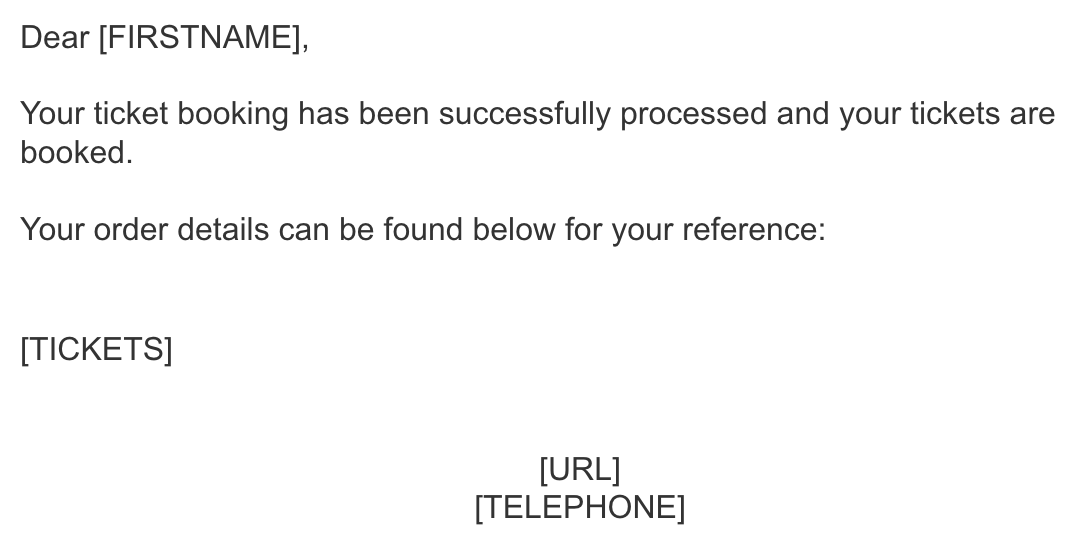
ContentBrand out the confirmation email directly in either area whilst not deleting any text in square brackets e.g. [TICKETS]