Adding an Automation Object
Start in the Advanced Workflow.
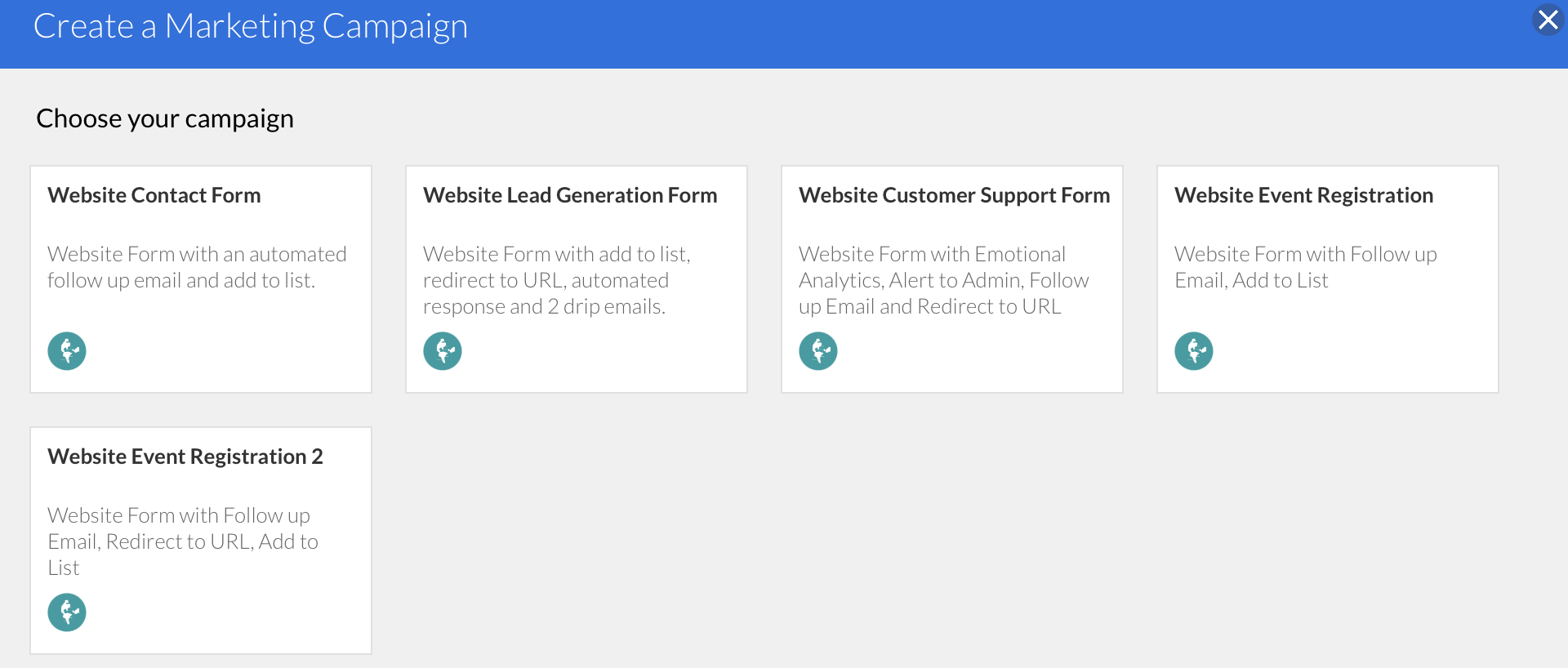
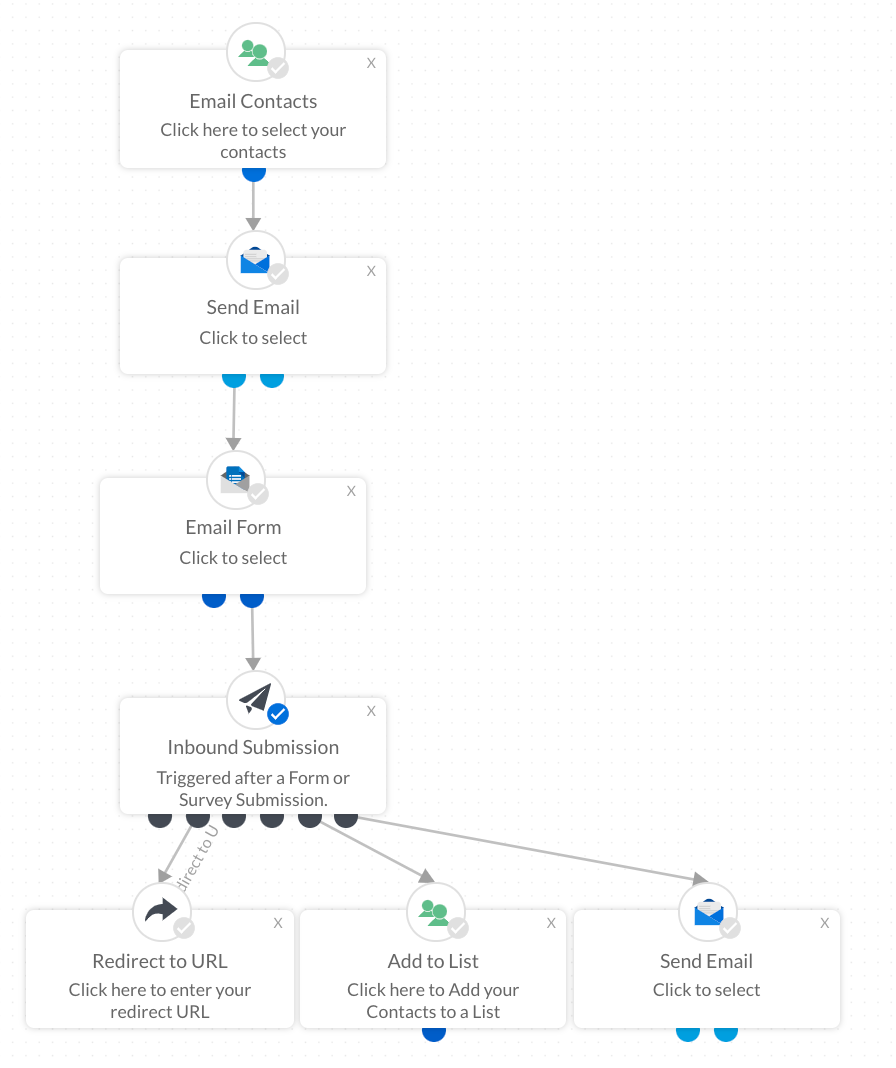
The process for adding an automation object is the same no matter what the object is. For this example we will create a well rounded campaign that includes the following automation objects:
- Email Form or Survey
- Inbound Submission
- Redirect to URL
- Add to List
- Send Email
Drag and drop these automation options from the list on the left onto the main page.
Connect the nodes to each other as demonstrated in the image.