Adding an Automation ObjectStart in the Advanced Workflow.
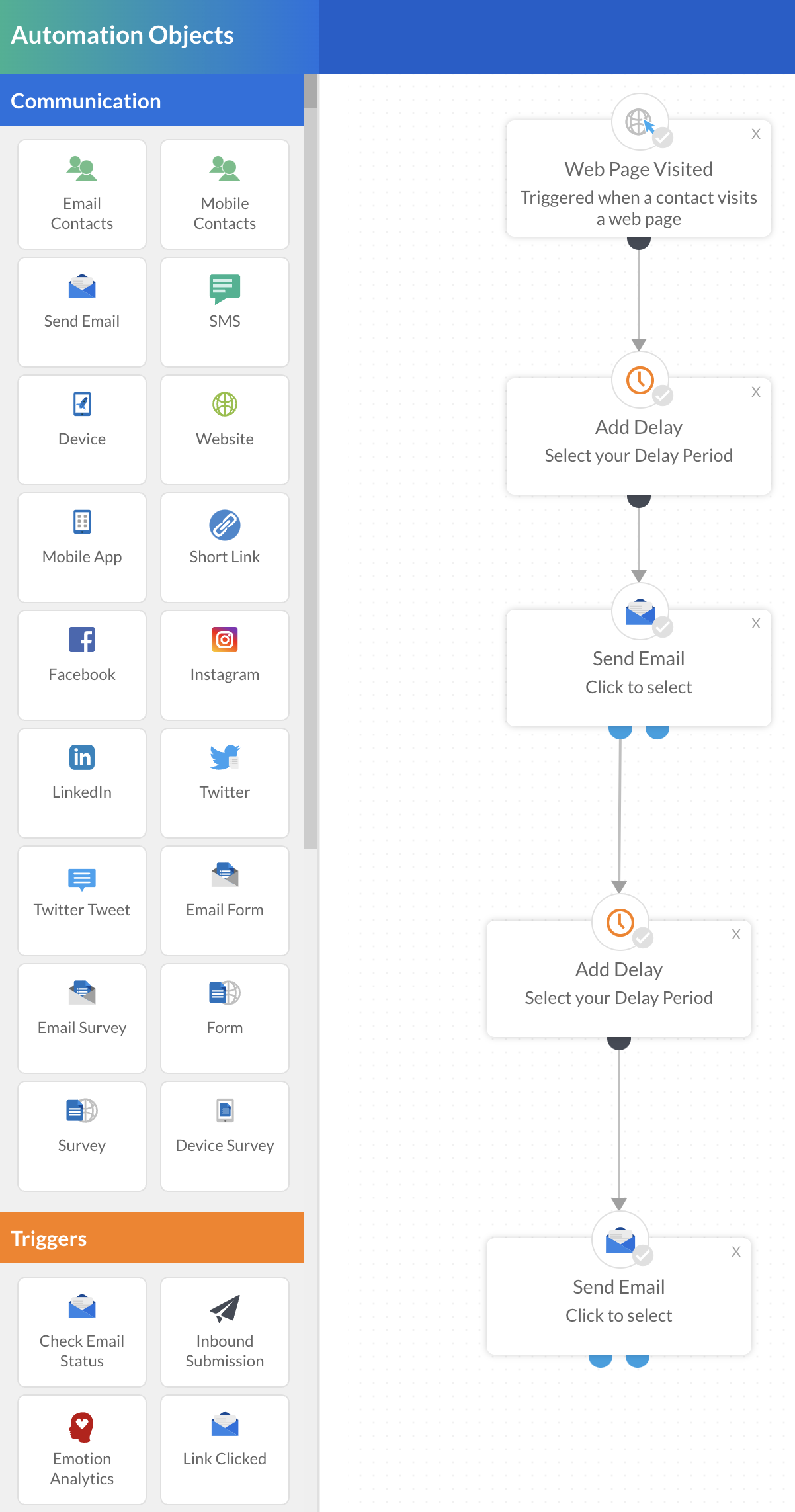
The process for adding an automation object is the same no matter what the object is. For this example we will create a well rounded campaign that includes the following automation objects:
- Email Form or Survey
- Inbound Submission
- Redirect to URL
- Add to List
- Send Email
Drag and drop these automation options from the list on the left onto the main page and connect the nodes.