a-text-logo0.png
Website Monitors
The arkflux Web Monitor is a piece of code that is added to the company main website page template in the header/footer that will monitor, and record known contacts (contacts in the arkflux platform) to the website after first interaction e.g. form submission.

Create Web Monitor

Marketing > Web Monitors > Create Monitor > enter website URL > Save


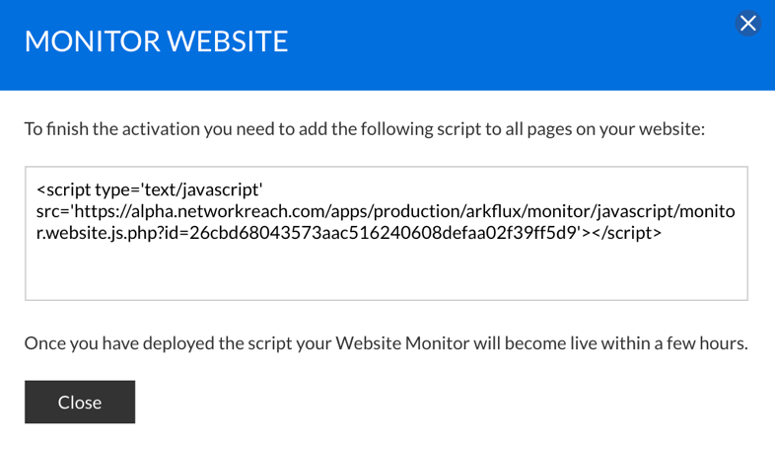
Your Web Monitor has now been created. By clicking on the monitor, the script that will need copying and pasting onto the website will be shown:

Picture.png
Picturepng.png
The red triangle indicates the monitor is not yet live. Once it is, the red triangle will be replaced by a blue button that will allow the monitor to be switched on and off:
Picture10.png
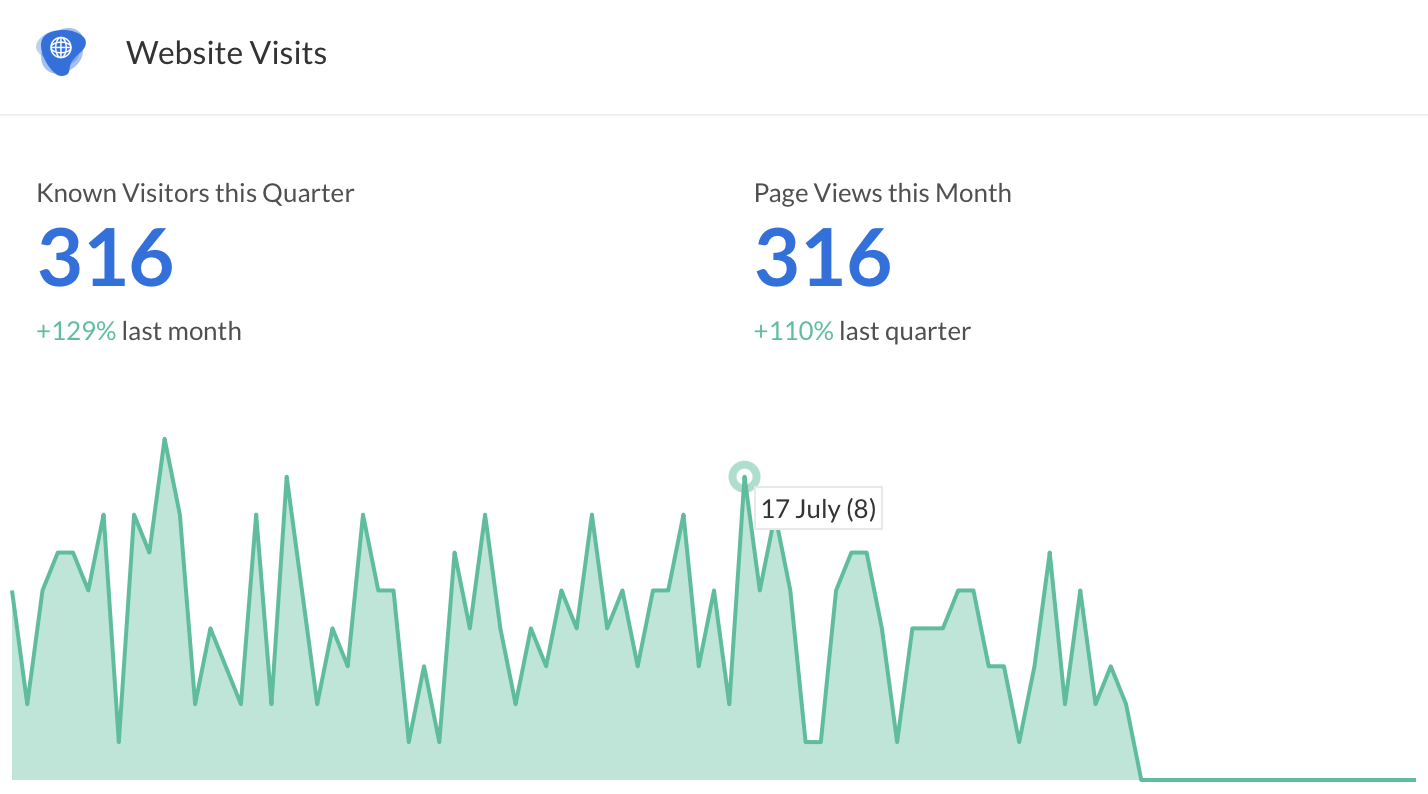
Once successfully deployed, visitors to the website will be tracked on the Activities Dashboard:
Screenshot2021-08-30at14.00.02.png
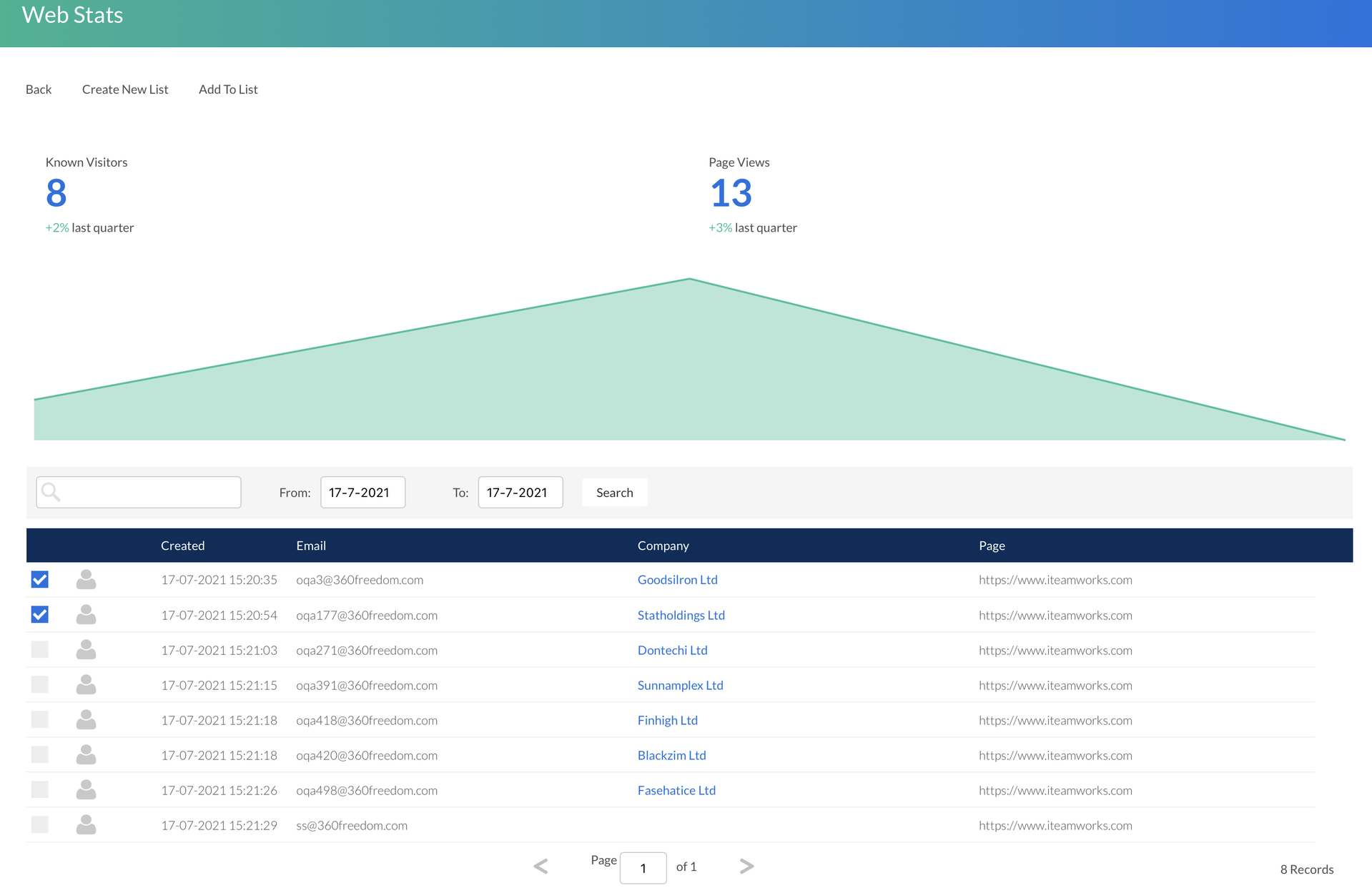
By hovering over the graph you are able to click through into the stats at any specific point to view which contacts have visited your website pages
Screenshot2021-08-30at14.03.58.png
Trigger Campaigns will now be able to be created and triggered from a contact visiting a web page.  

Learn more about Trigger Campaigns.
Screenshot2021-08-30at13.48.01.png