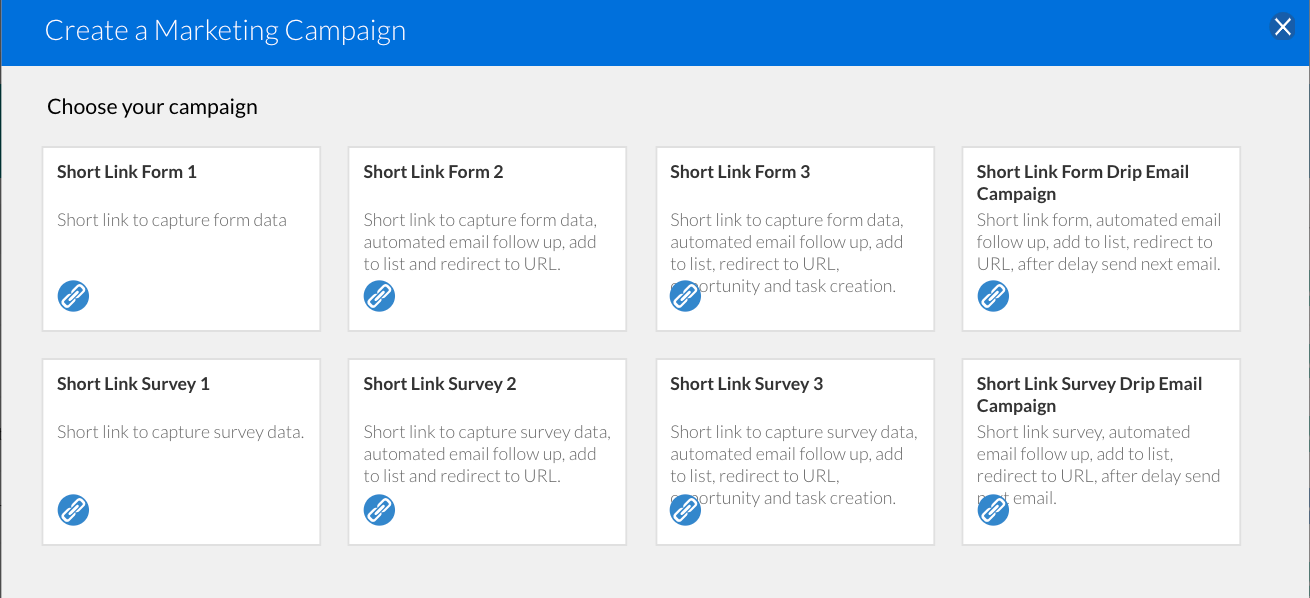
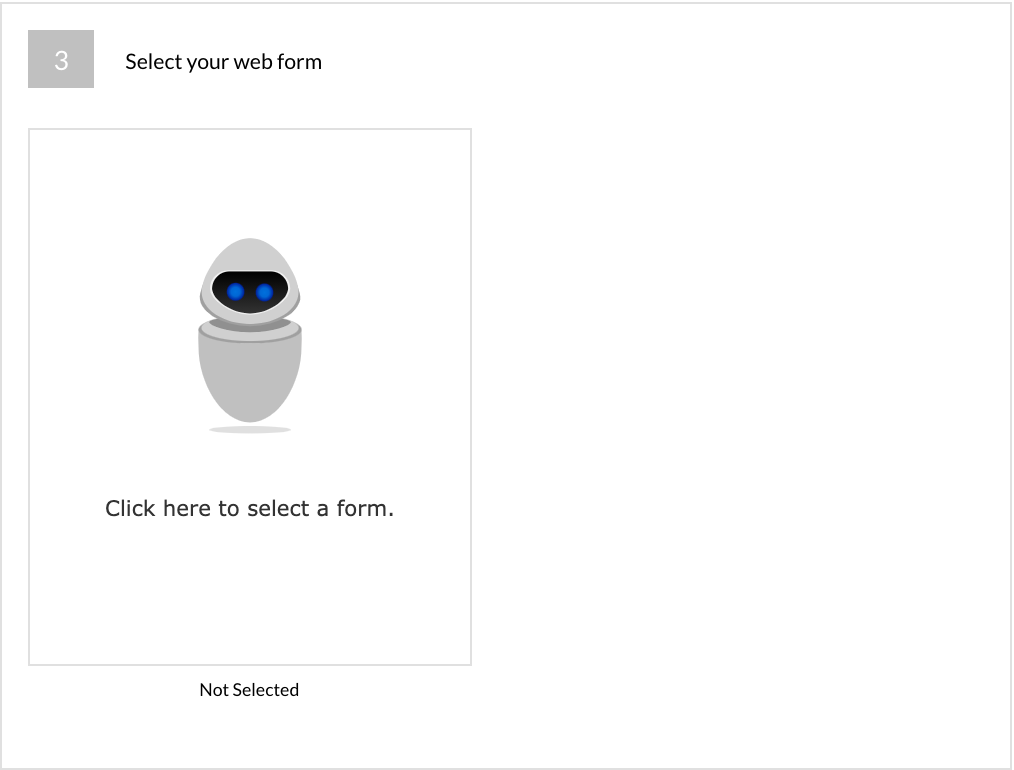
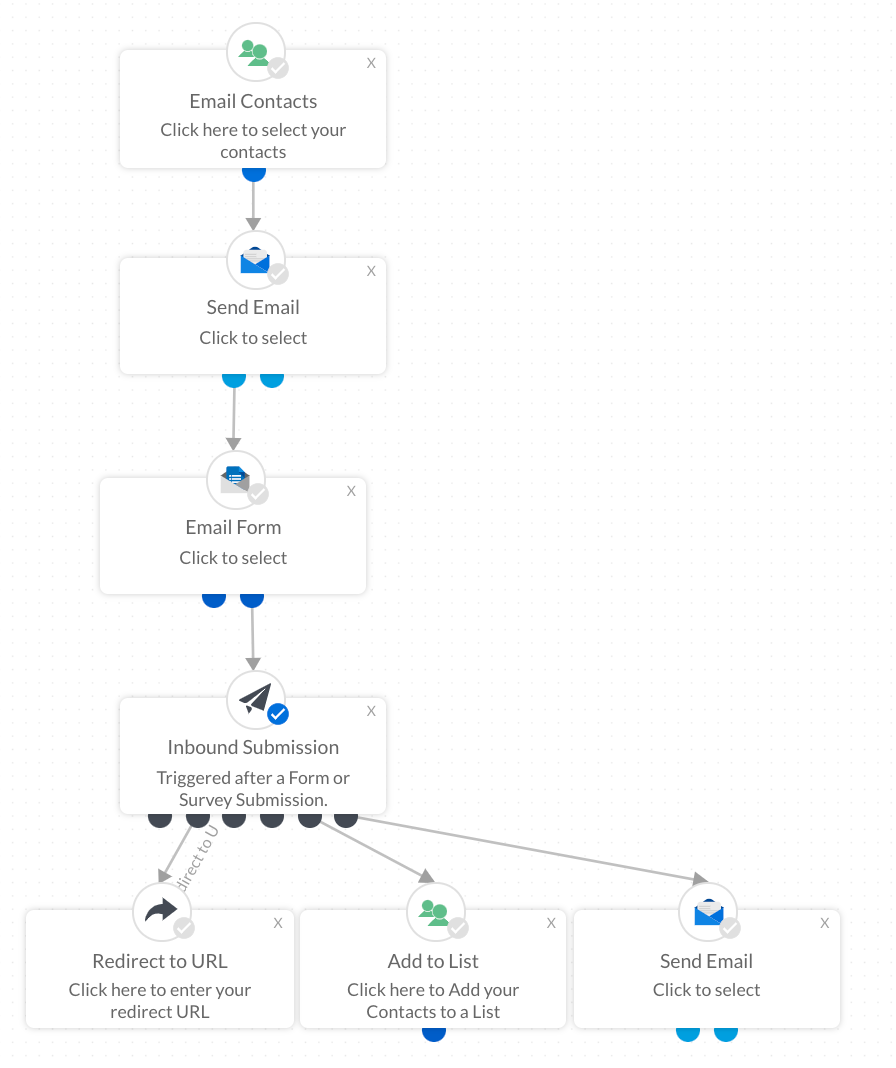
Select the form or survey template that you would like to attach to the link by hovering over the image:
Edit > Your Templates > Use this Template
Whenever you select a template within a campaign, this is now a copy of the original under the Template section in the platform. If you need to make an update to the template do one of the following:
- Update the template directly in the campaign
- Update the template under the Template section in the platform and then re select the template in the campaign workflow to reflect the changes
Click here to find out more about
Image Uploads in form and survey templates.