Admin > Settings > Event Settings
Use Event Permissions & Event Admins
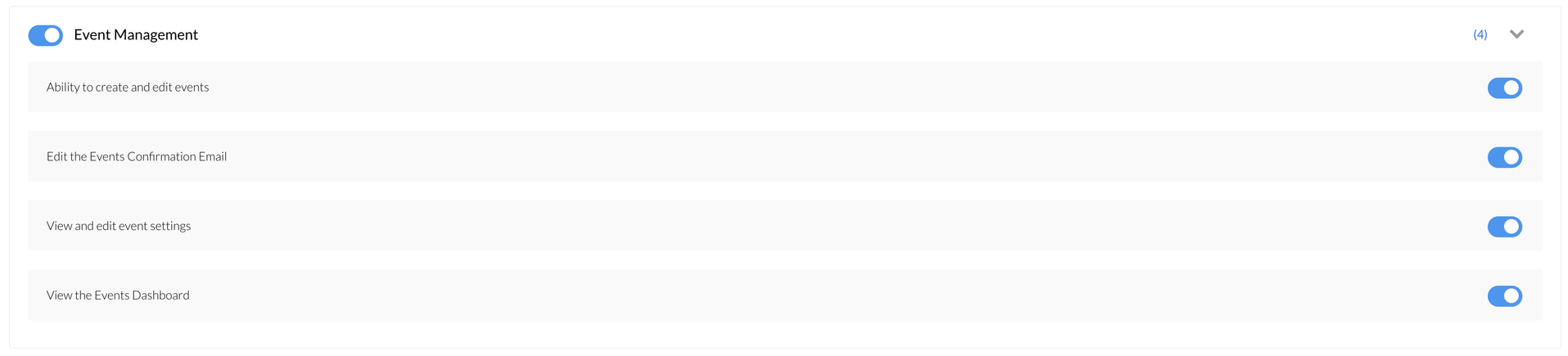
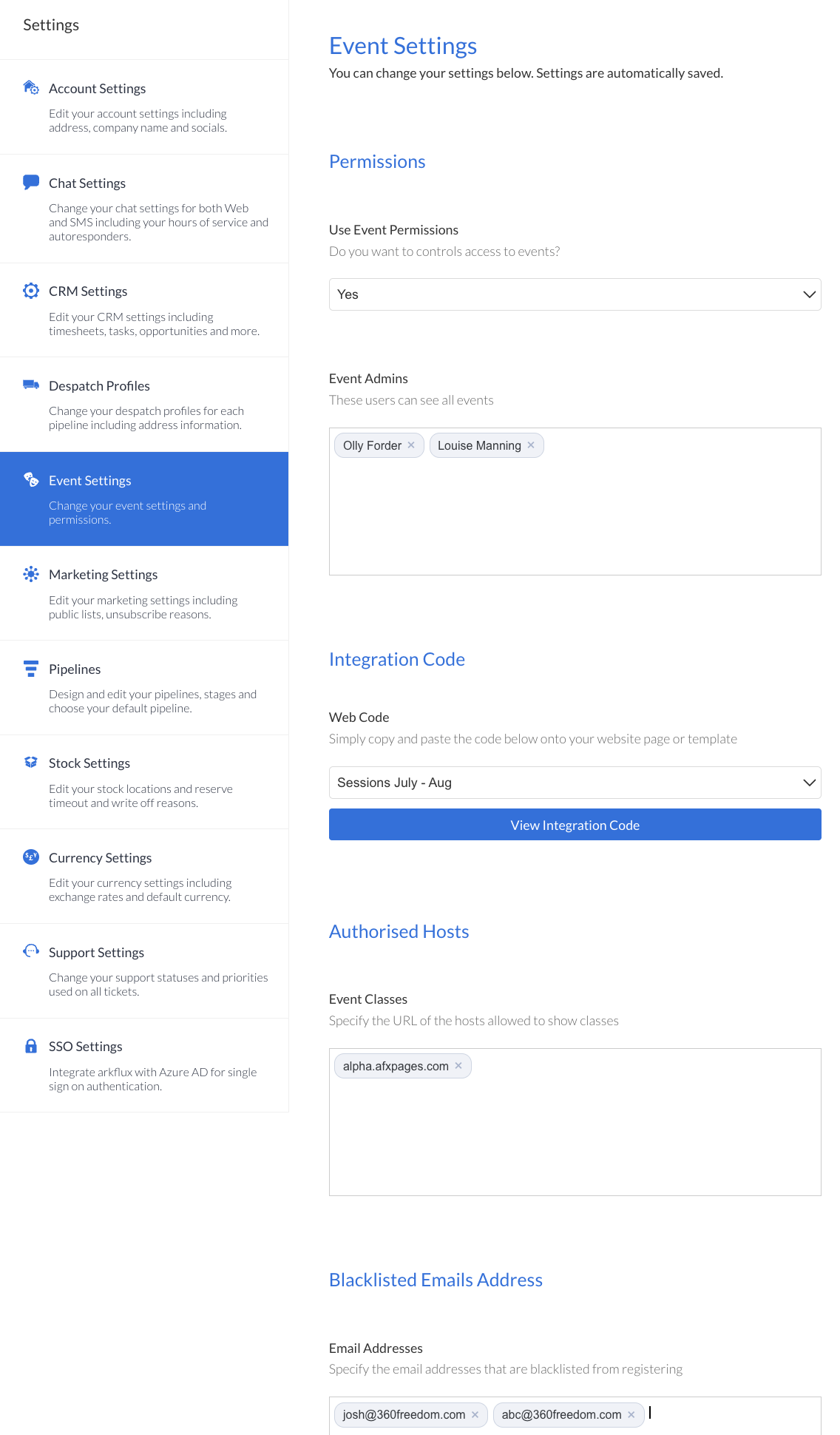
If the user has been permissioned to see the above Event Management roles, they will be able to be added as an Event Admin . This area will then allow the specific control of access to events in the platform by selecting Yes from the drop down and then entering the event admins.
Web Code and Event Classes
For use when you select the 'Classes and Booking' (Grouped Events) option when creating an event.
Show the integration Web Code by selecting the group of sessions from the drop down. This code can then be copy and pasted on the company website and will populate the chosen session.
Enter the URL for authorised hosts (web pages) that are allowed to show the sessions.
Enter email addresses of contacts you want to blacklist. This will stop them from being able to register for events created through the arkflux platform. |