a-text-logo0.png
Send Email direct from Contacts
Click to visit section:

Email Integration
Inbox

Template
Create Contacts
Roles and Permissions

Send a 'Template' email or an email from you Inbox, direct to your contact, from their contact page.

Email Integration 

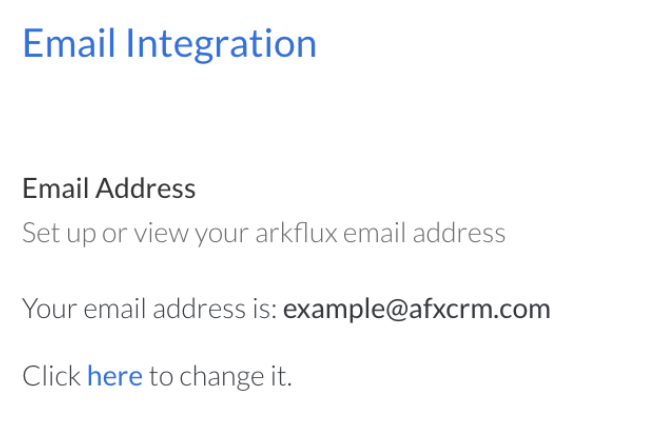
Create your integration email address in Settings > CRM Settings > Email Integration:

Screenshot_2025-07-28_at_11.53.01.png
This is the email address that will copy the emails into the platform against the contact.

Contact > Contact > click on a contact > Send Email
Screenshot_2023-07-20_at_13.23.27.png
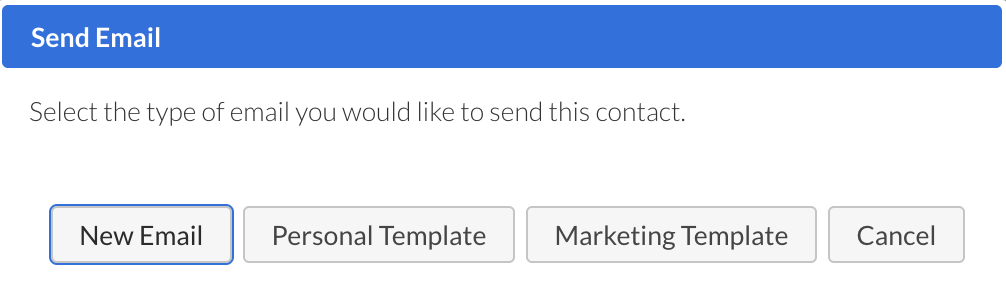
Choose whether to send a templated email or an email from your Inbox:
Screenshot_2023-07-19_at_14.59.04.png
Inbox
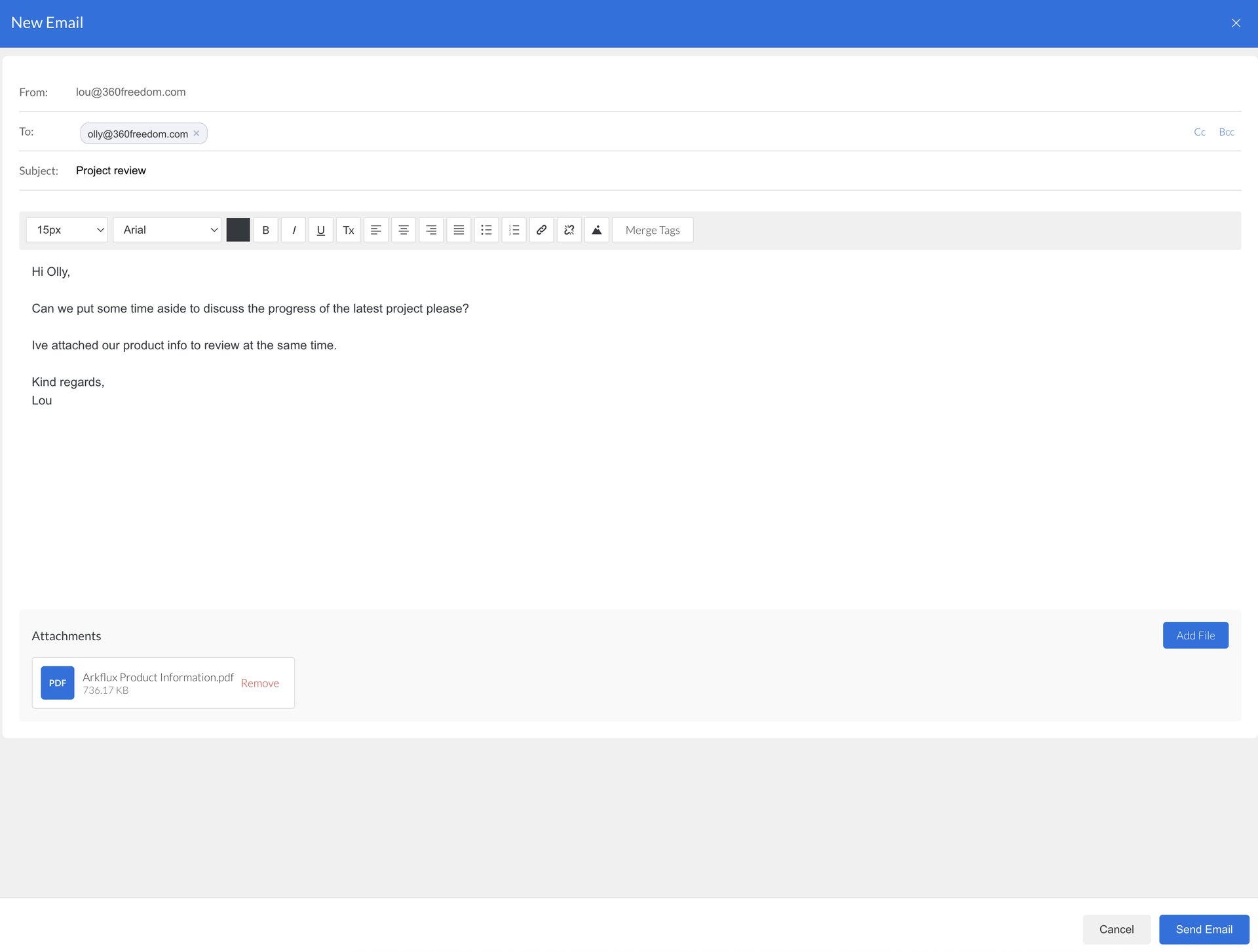
Clicking Inbox will populate an email direct from your mailbox for you to enter what content you need:
Screenshot_2023-07-20_at_13.34.37.png
Template
Clicking Template will give you a drop down list of email templates that have been created and the option Personal Email selected in the Template Type field:
Screenshot_2023-07-17_at_14.03.01.png
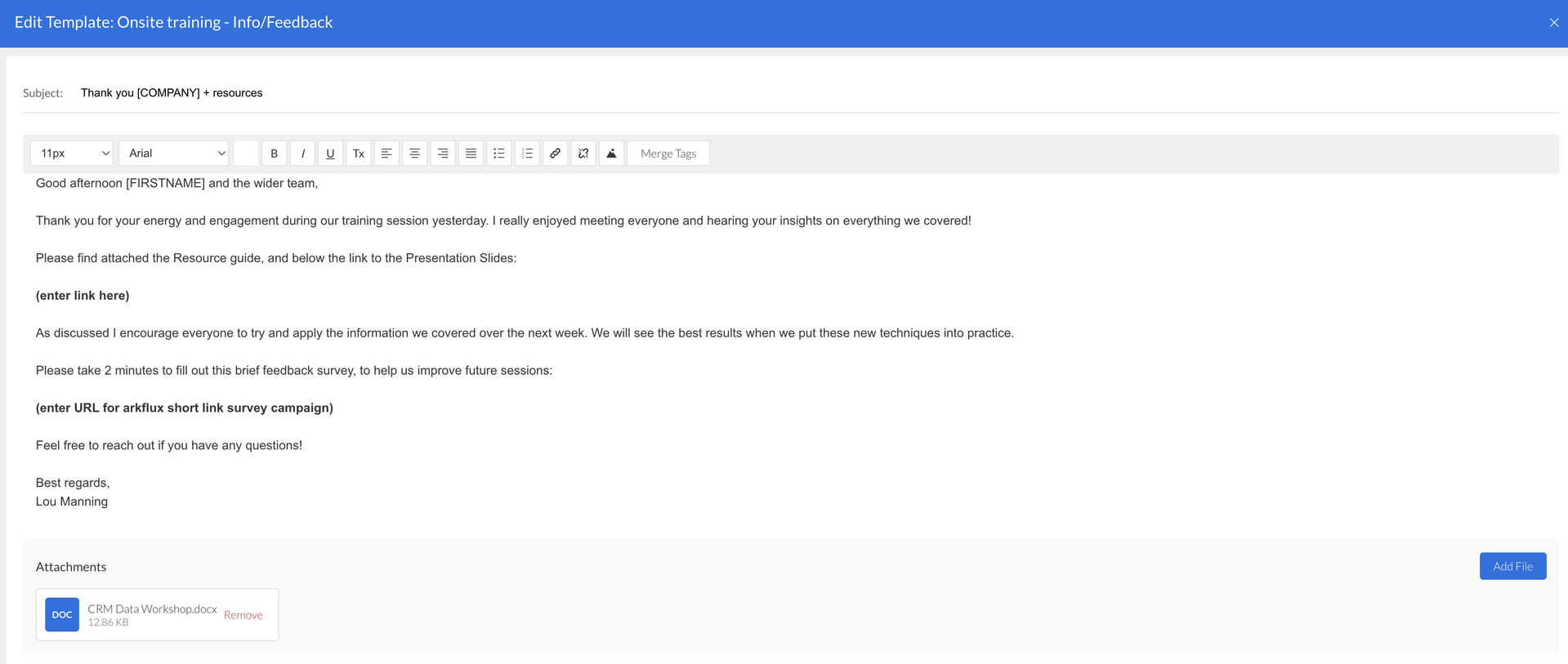
Your templated email will then show in the blade for any other edits required. Once happy click Send - this will send the email directly to the contact. 
Screenshot_2023-07-20_at_13.49.24.png
Note: Only email templates with Template Type set as Personal Email will show in the drop down list. 
Templates > Emails > Create
Screenshot_2023-07-17_at_13.53.04.png
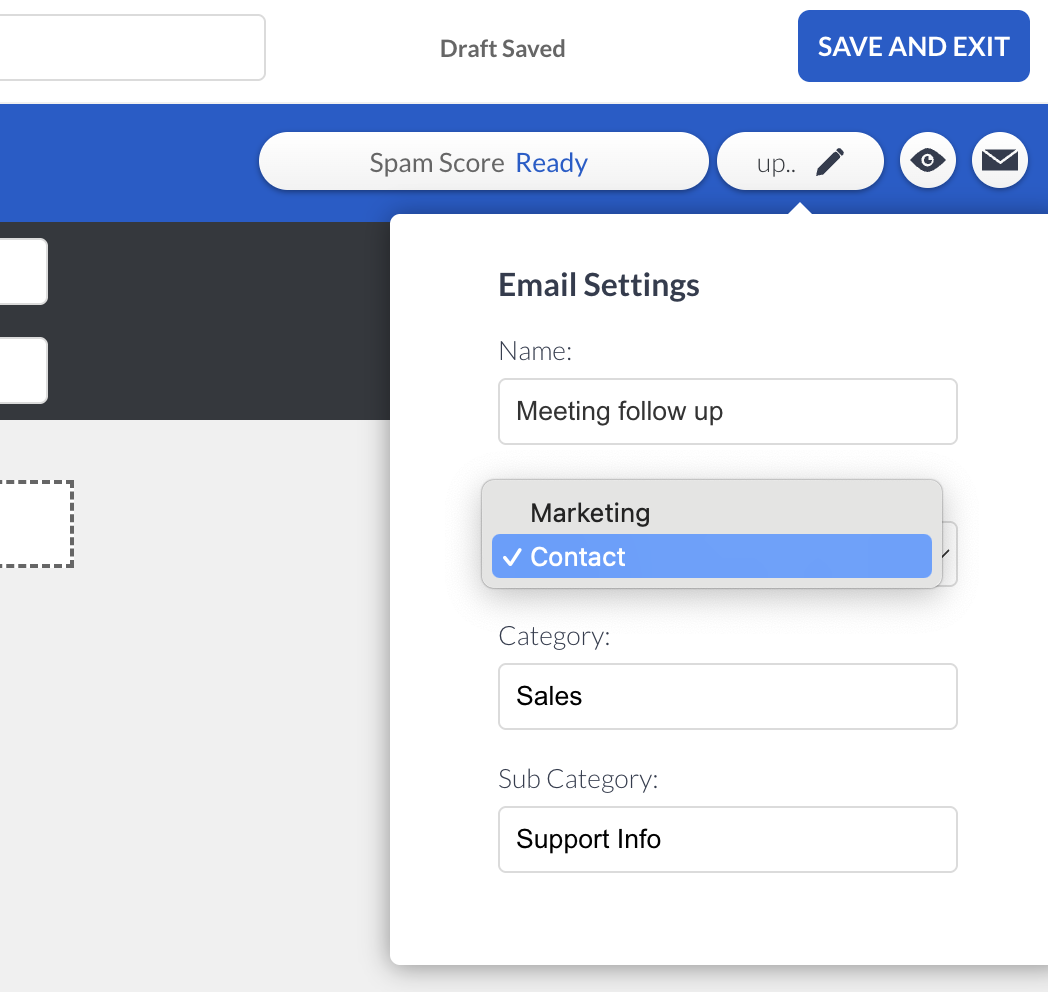
You can edit pre existing email templates and change their Template Type from Marketing to Personal Emails so they will show in the drop down list.

Templates > Emails > top right click the template name > edit the Type drop down to Personal Emails:
Screenshot_2023-07-20_at_14.06.30.png
Inbox and Template emails sent through the Send Email method, will both be adhered to the contact timeline under Emails in the left hand menu.  
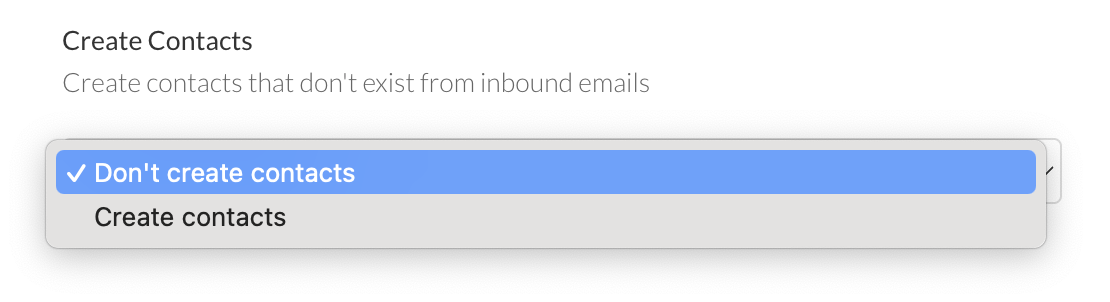
Under Admin > Settings > CRM Settings, there is the option to toggle on a ‘Create Contacts’. Any new contacts that are included in the email will be created in the platform and assigned to a company if possible:
Screenshot_2025-07-28_at_11.51.00.png
Roles and Permissions

If you don't have the a role with the correct permissions that enable you to create an email template via Templates > Emails,  you can still access and edit Personal templates from the dropdown for this Send Email process. 
Learn more about Email Template Creation 
Screenshot2021-08-30at13.48.01.png