a-text-logo0.png
Pipeline Settings
A sales pipeline is a set of stages that a prospect moves through, as they progress from a new lead to a customer. Once each pipeline stage is completed, the prospect is advanced to the next stage.

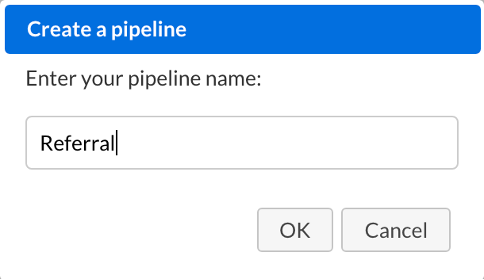
Update and manage your main pipeline and create multiple pipelines for use in your Sales Dashboard and Opportunity management. See the different parts of the business and how they are performing.
Picture1012345678910111213141516171819202122.png
Admin > Settings > Pipeline Settings > List view. Here is where you can access you pipelines:
Screenshot2021-09-03at12.31.09.png
Note: All CRM customers can create a single pipeline. Customers on Growth package and up can create multiple pipelines.
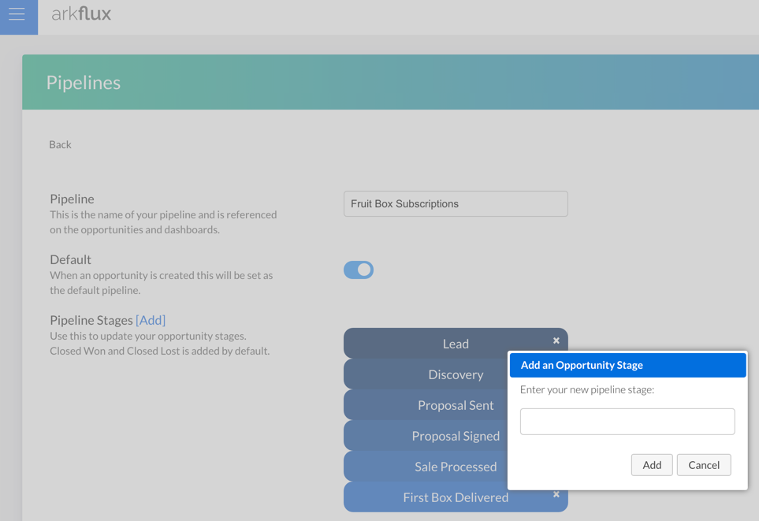
Manage pipeline stages by clicking into the pipeline and dragging and dropping stages into the required order and clicking [Add] adding a new stage:
Picture101234567891011121314151617181920212223.png
Sales and Opportunity Dashboard

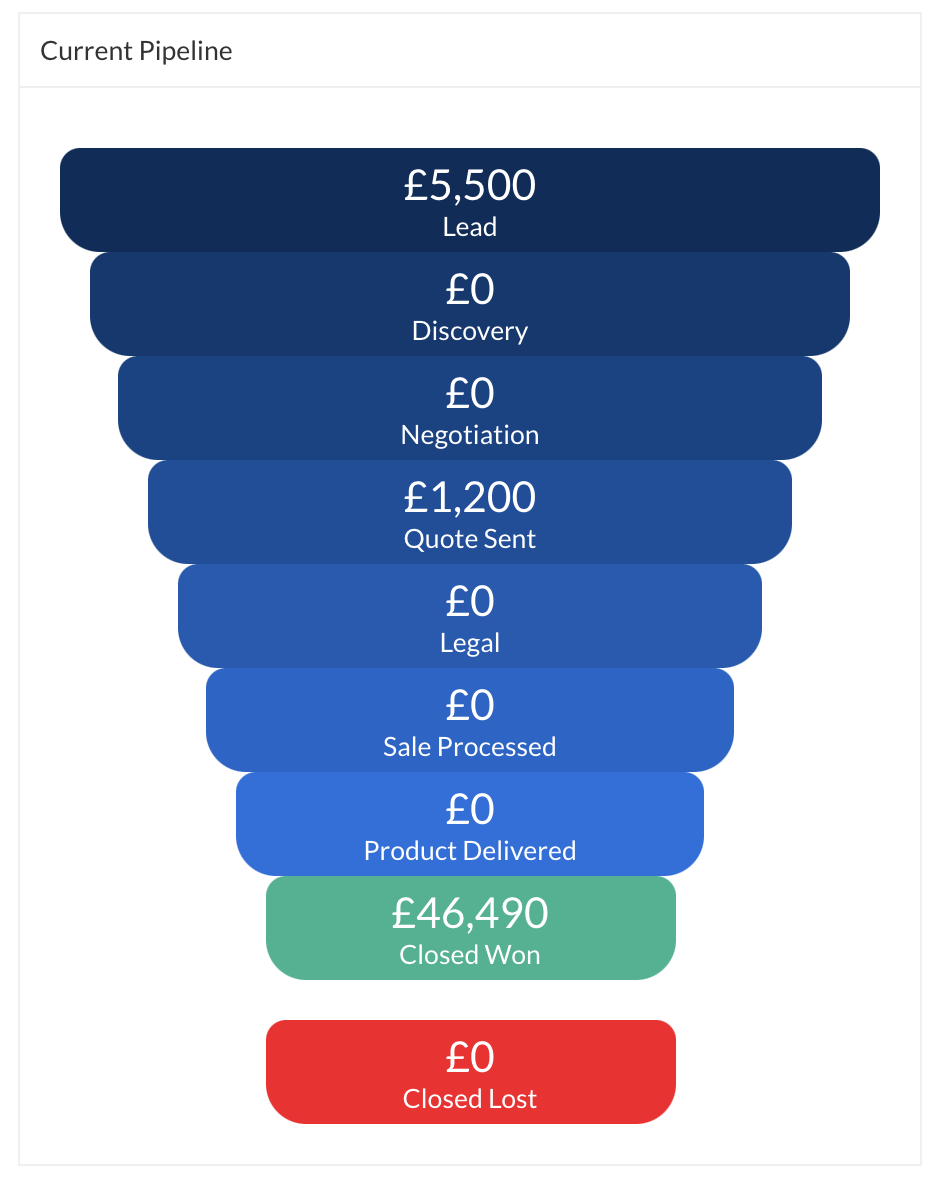
Once created, the pipelines will be located under Sales > Dashboard for reference:

Screenshot2021-09-03at12.33.25.png
And within Sales > Opportunities when managing and assigning them to the relevant pipeline:
Screenshot2021-09-03at12.58.12.png
Screenshot2021-08-30at13.48.01.png