You will need to make a DNS change to the business domain to permit arkflux to send email on behalf of your domain that will be used for outbound email marketing. The DNS change required will be sent over to you in an email for your website provider to apply. Once you have made the appropriate change, please inform your arkflux Account Manager or email support@360freedom.com, then we will verify the change our end and finalise the process.
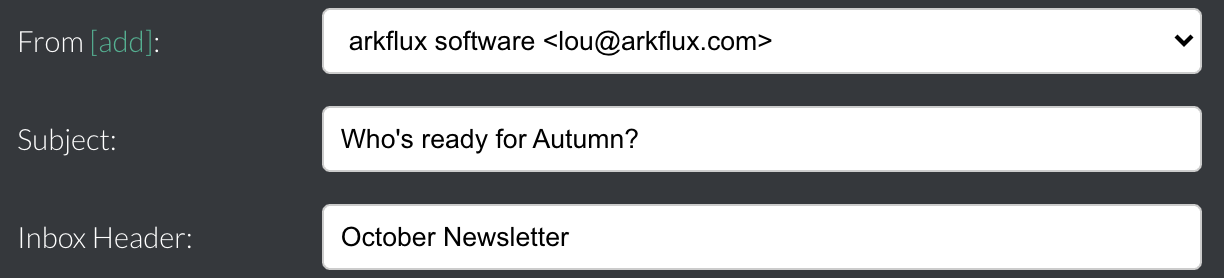
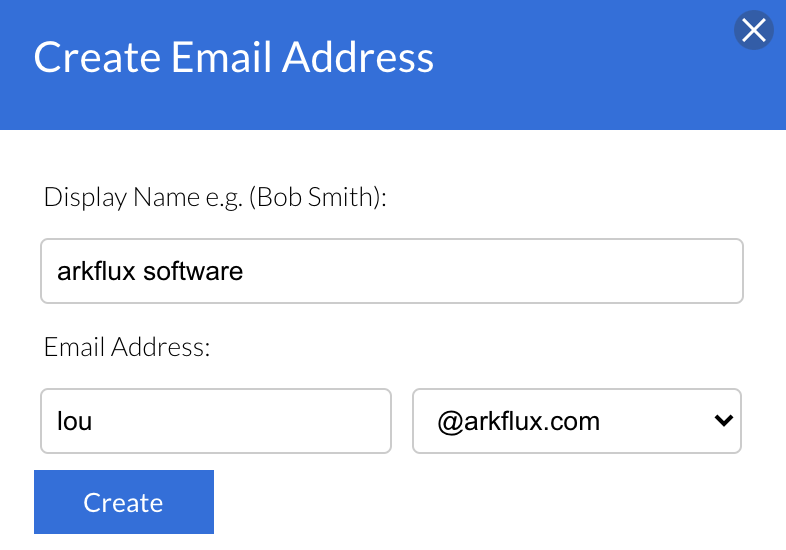
Once the change has been successfully implemented you will be able to create sender addresses for outbound marketing during the campaign creation stage by clicking on the green
[add] text at the top of the email template: