a-text-logo0.png
Mentions in Comments
Mention other arkflux users in comments against a contact / company profile, opportunity or task.  Mentioned users will then receive an alert via the notification bell, top right in the platform.

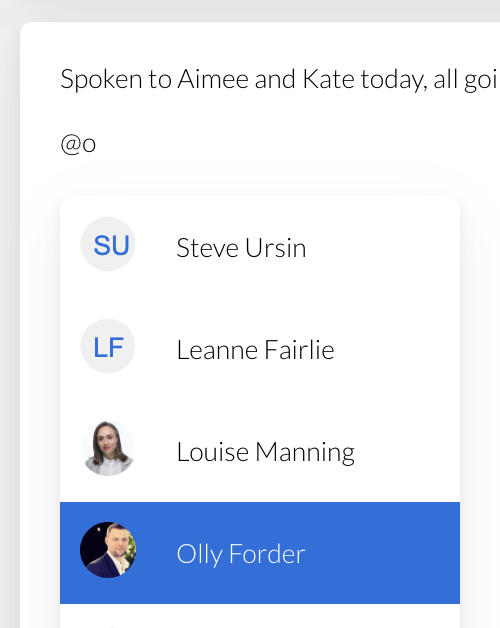
To mention a user, type @ and then the user name. A type ahead of available users will pop up allowing you to select the relevant one. You can select multiple users within a single comment.
Screenshot_2023-07-14_at_10.12.39.png
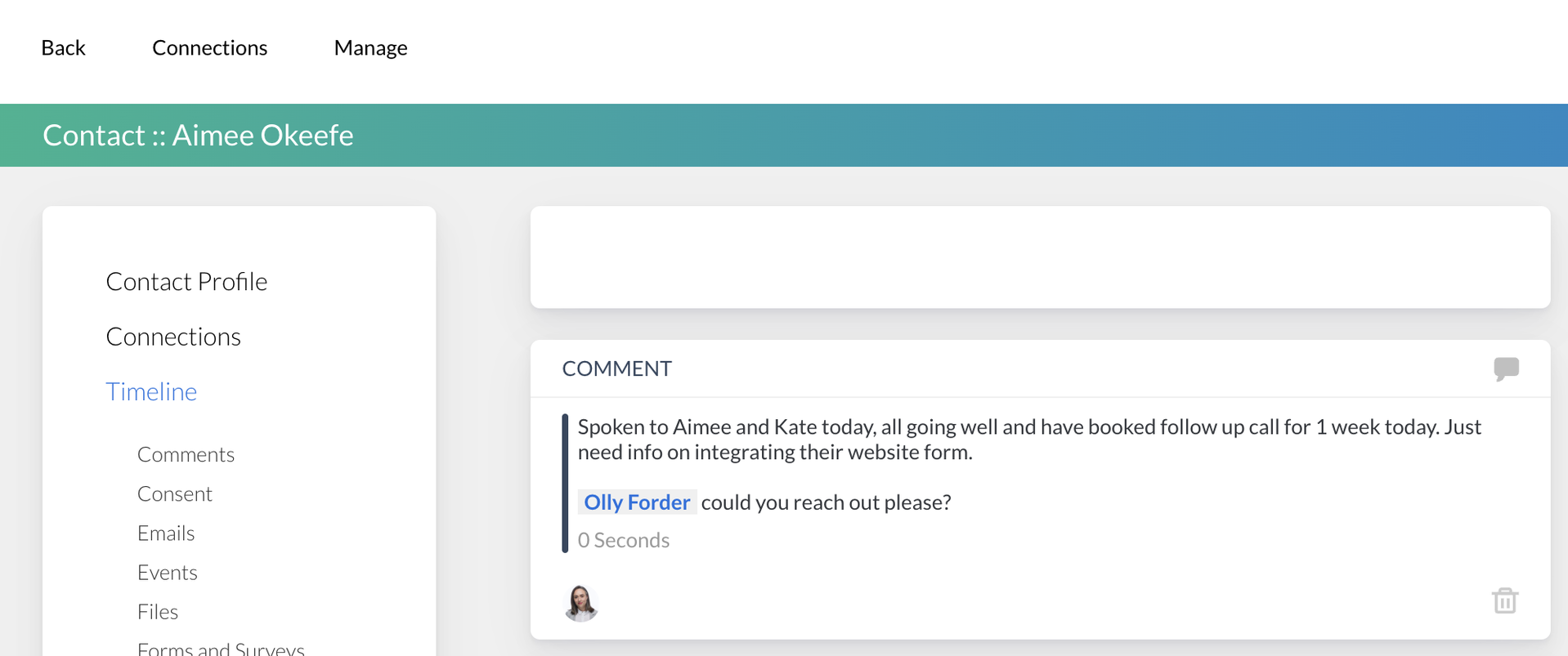
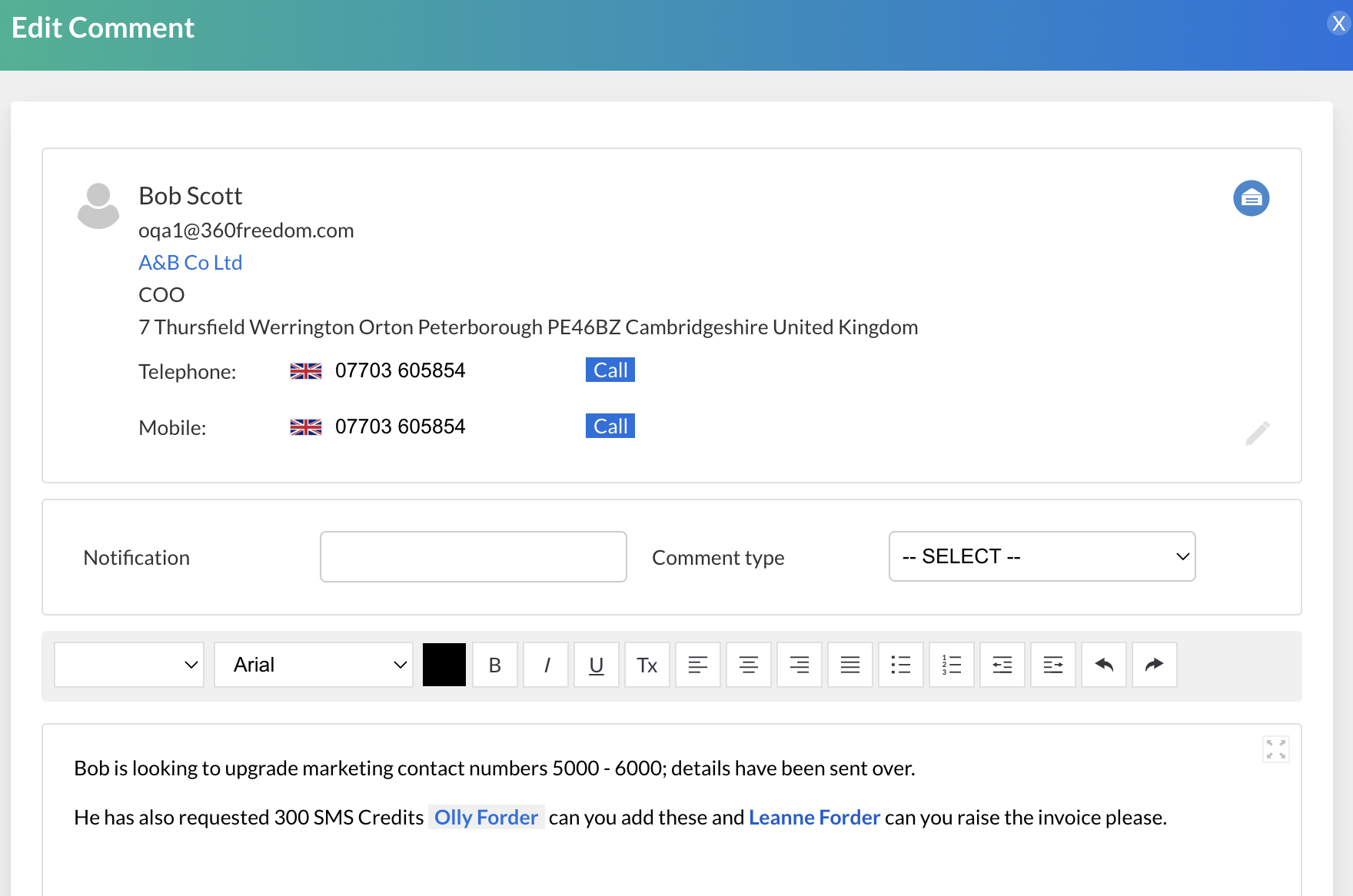
All mentioned users will appear in blue bold in the comment.
On a Contact / Company Profile
Click into a Contact / Company > click to add a comment > leave your comment and your mention > Save
Screenshot_2023-07-14_at_10.14.10.png
On a Task

Click into a task entry > click the blue speech bubble:
Screenshot_2023-08-10_at_15.08.30.png
Click the green Comment Action Button > leave your comment and your mention > Save
Screenshot_2023-08-10_at_15.03.26.png
Screenshot_2023-08-10_at_15.04.57.png
On an Opportunity 

Click into an opportunity > click the green Comment Action Button > leave your comment and your mention > Save
User Notification

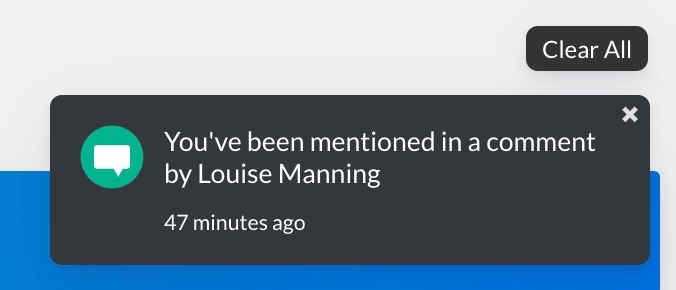
When a user has been mentioned they will receive a notification in the platform telling them they have been mentioned in a comment:
IMG_0486.jpeg
By clicking on the notification, the user will be able to go through to the comment to reference the details and make any edits and updates.

Learn how to  Send Email Direct to Contact from the Contact Profile
Screenshot2021-08-30at13.48.01.png